Configuring SAML Single Sign-On for Zoho Directory Users
ManageEngine PAM360 supports Single Sign-On (SSO) using SAML 2.0, enabling seamless integration with Federated Identity Management Solutions. In addition to popular IdPs such as Okta, Microsoft Entra ID, ADFS, and Google, PAM360 offers native support for SAML-based SSO through Zoho Directory. In this setup, PAM360 functions as the Service Provider (SP) while Zoho Directory serves as the Identity Provider (IdP). Organizations can centralize the authentication process while ensuring compatibility with existing Federated Identity Management frameworks by leveraging Zoho Directory as the IdP. This simplifies user management, enhances security, and provides a hassle-free, single-login experience across applications. The integration process involves supplying details about SP to IdP and vice-versa.
Once the integration is complete, users only need to log in to Zoho Directory and access PAM360 directly from its GUI without re-entering their PAM360 credentials, enabling a streamlined and secure authentication experience. Additionally, the integration supports Single Logout (SLO), ensuring that when users log out from one application, they are automatically logged out from all connected applications, thereby maintaining secure and efficient user session management.
Caution
The administrator performing this configuration should possess the necessary permissions to add applications to the Zoho Directory and assign users to the applications.
This document covers the following topics in detail:
- Prerequisites
- Adding PAM360 as an Application in Zoho Directory
- Assigning Zoho Directory Users to PAM360 Application
- Configuring SAML SSO
Follow these steps to seamlessly integrate PAM360 with Zoho Directory, enabling a smooth and secure SAML SSO experience.
1. Prerequisites
To configure PAM360 as an SP in the Zoho Directory, you need SP details displayed in step 1 during the IdP configuration in PAM360. These details are necessary for setting up PAM360 as an SP on Zoho Directory, ensuring a seamless integration between PAM360 and Zoho Directory.
2. Adding PAM360 as an Application in Zoho Directory
Follow these steps to add PAM360 as an application in the Zoho Directory portal.
- Log into the Zoho Directory portal and go to the Admin Panel.
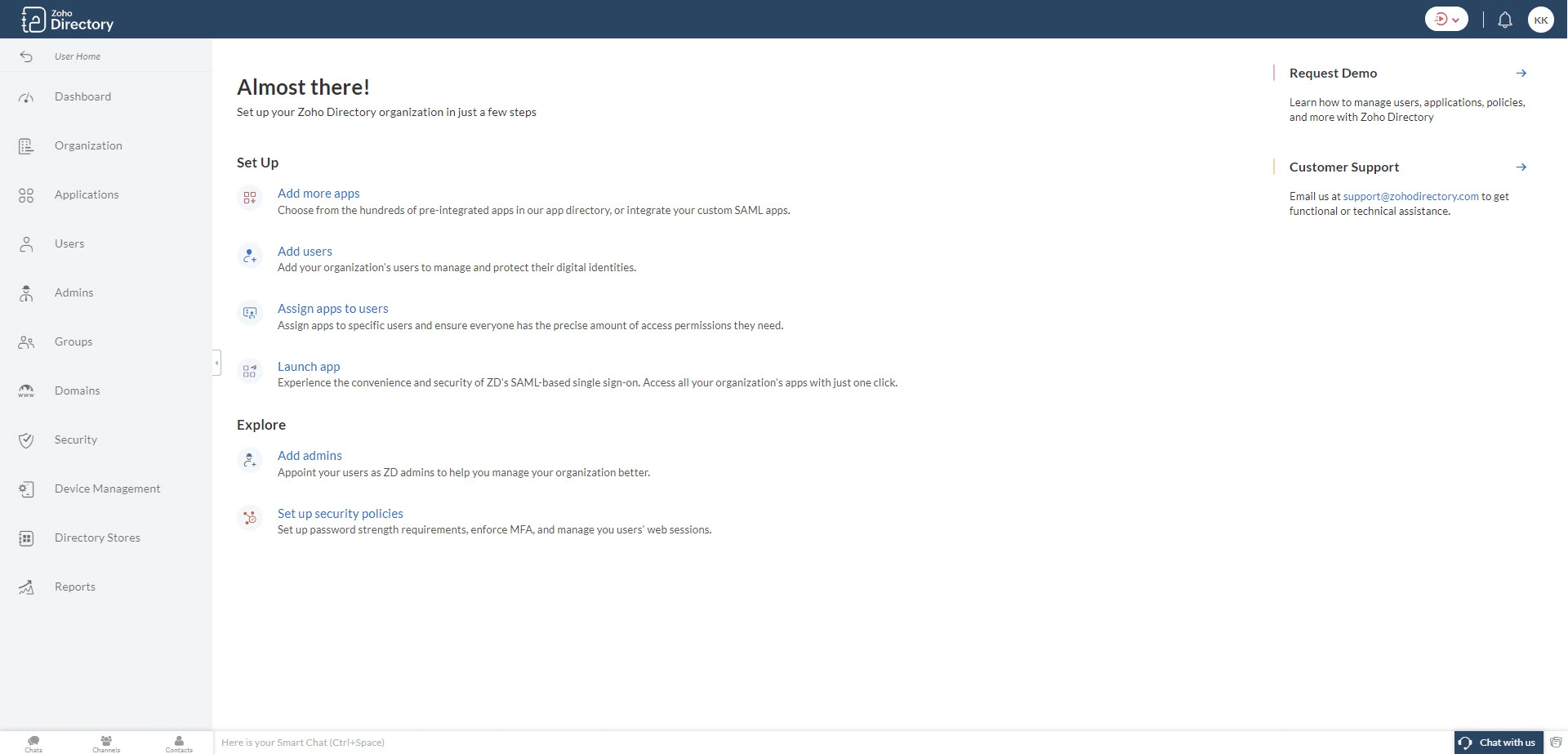
- Select Applications from the left pane.
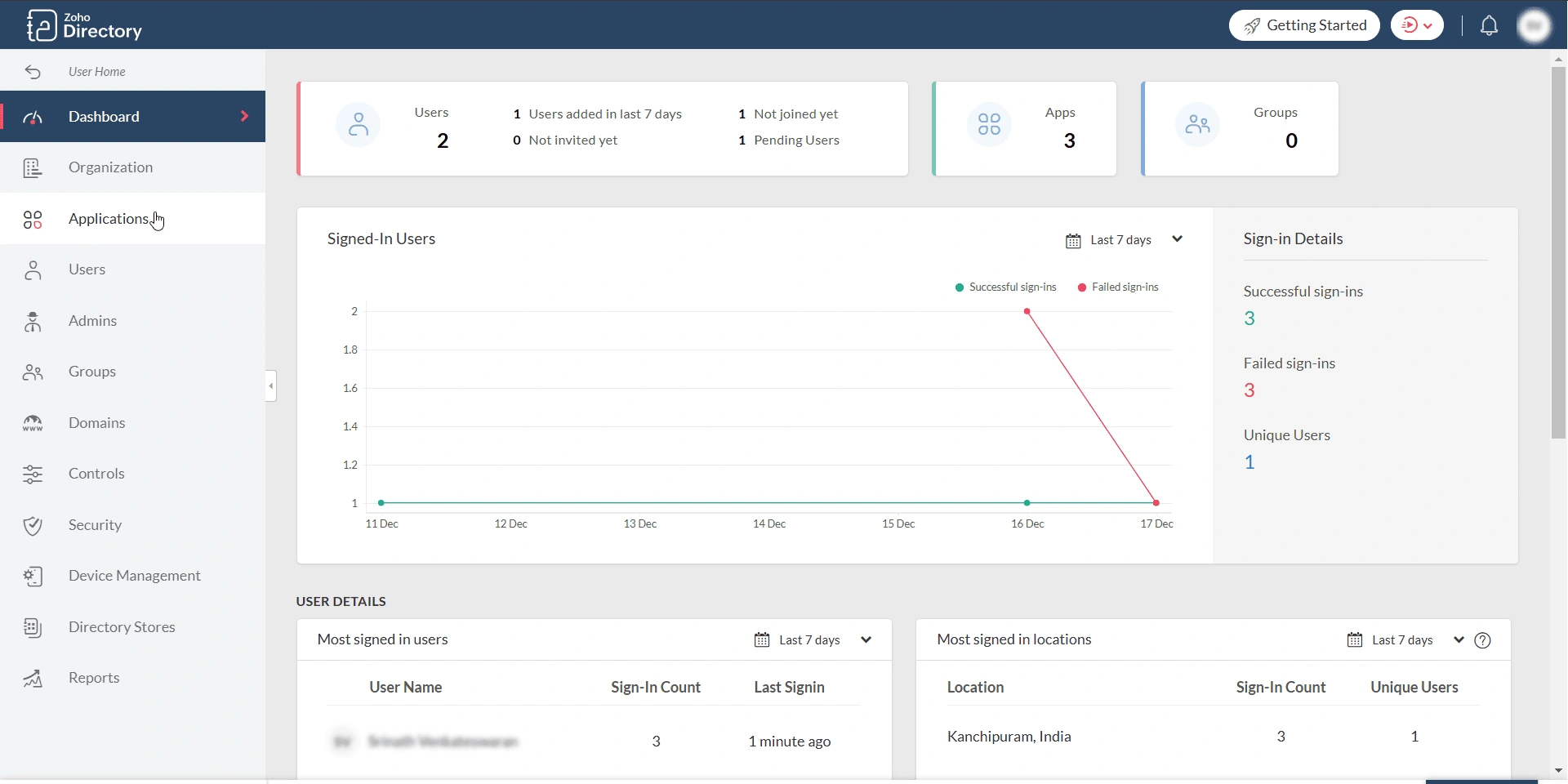
- On the Applications page, click the + Add Application button in the top-right corner of the screen.
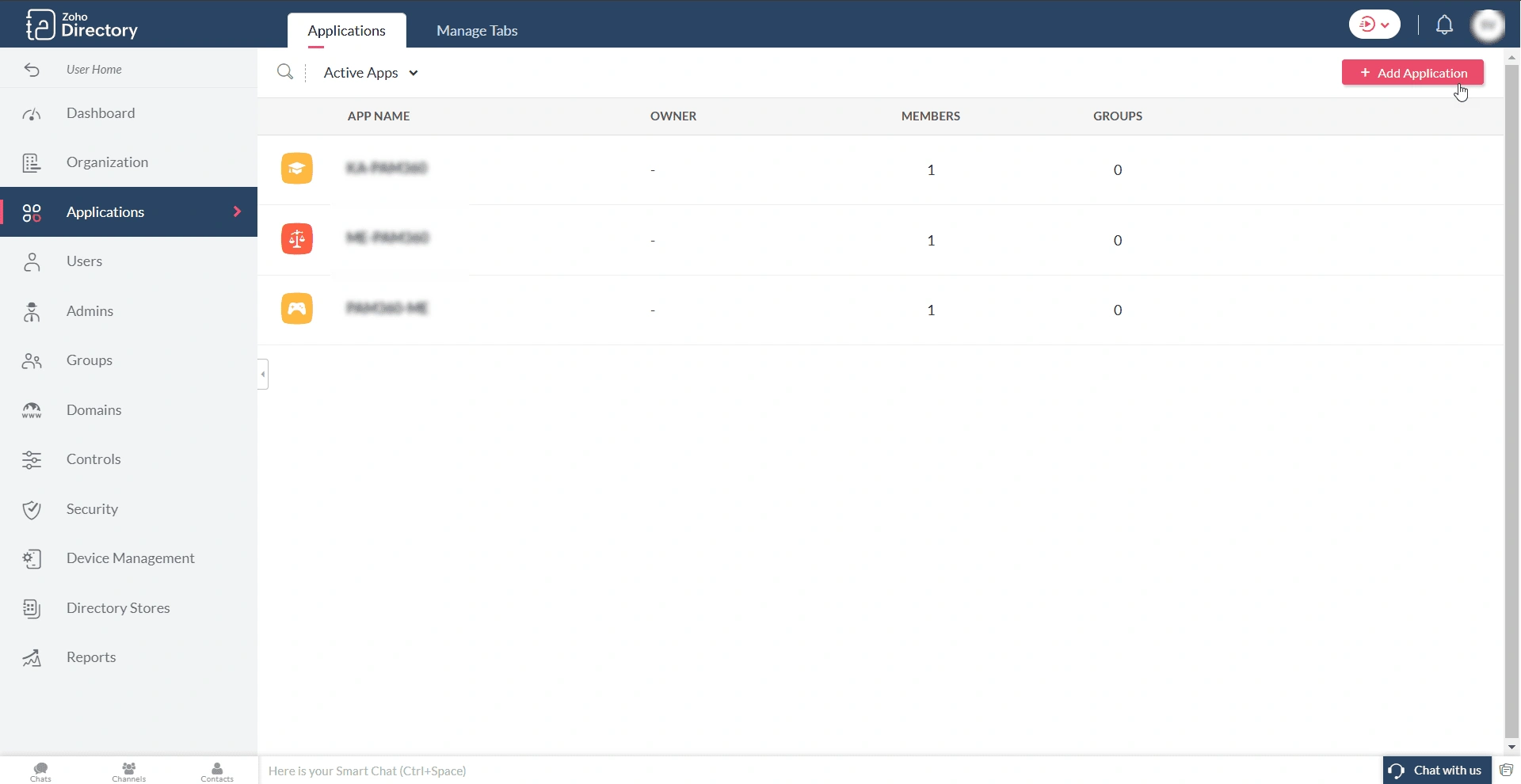
- In the Choose Application window, click the Create Custom App button. This action will display the Add Custom App window.
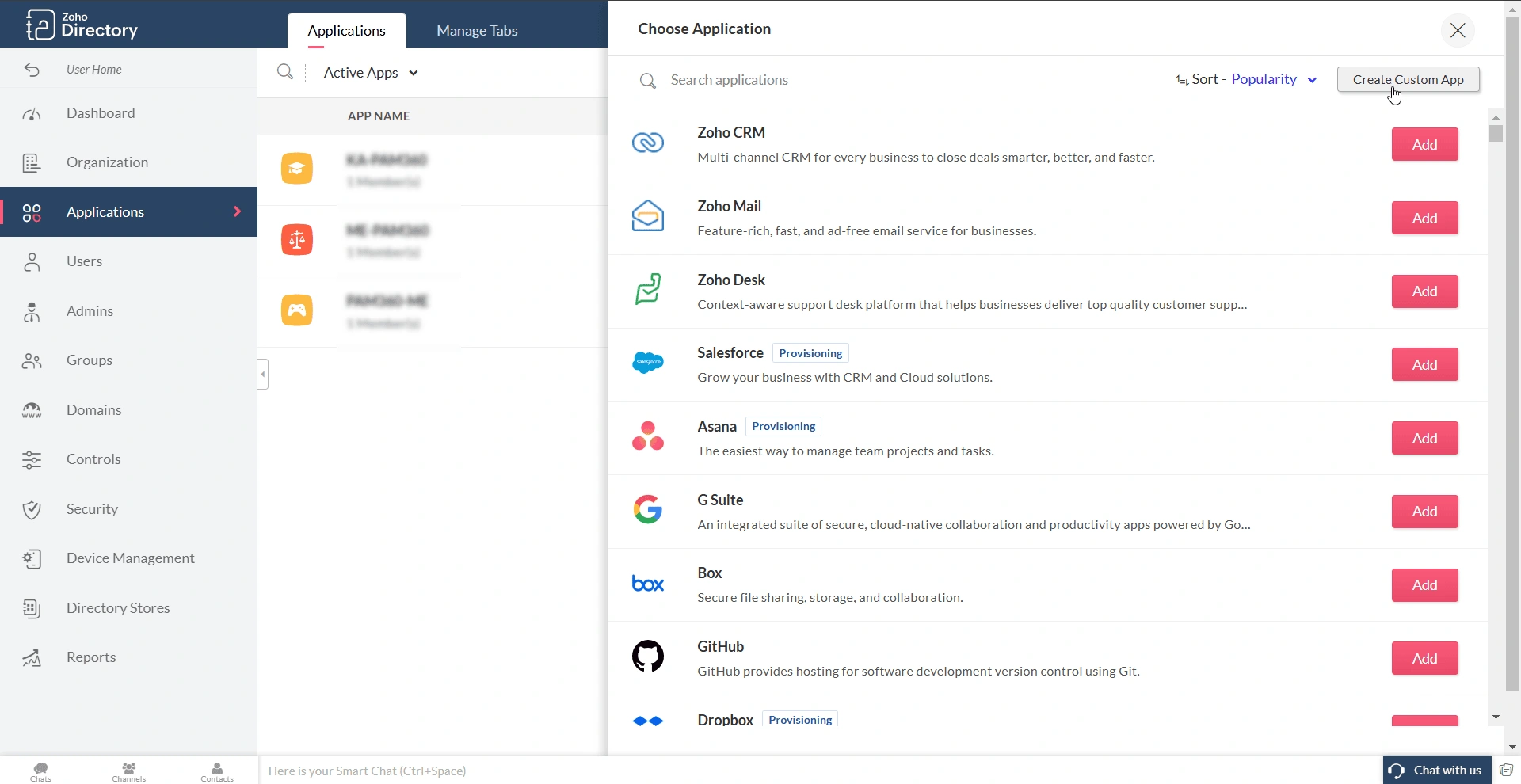
- In the Add Custom App window, enter the following details:
- Display Name - Enter a desired name for the application, e.g., PAM360.
- Description - Enter a description for the application.
- SSO Mode - Click the Select SSO mode button to configure the SP (PAM360) details.
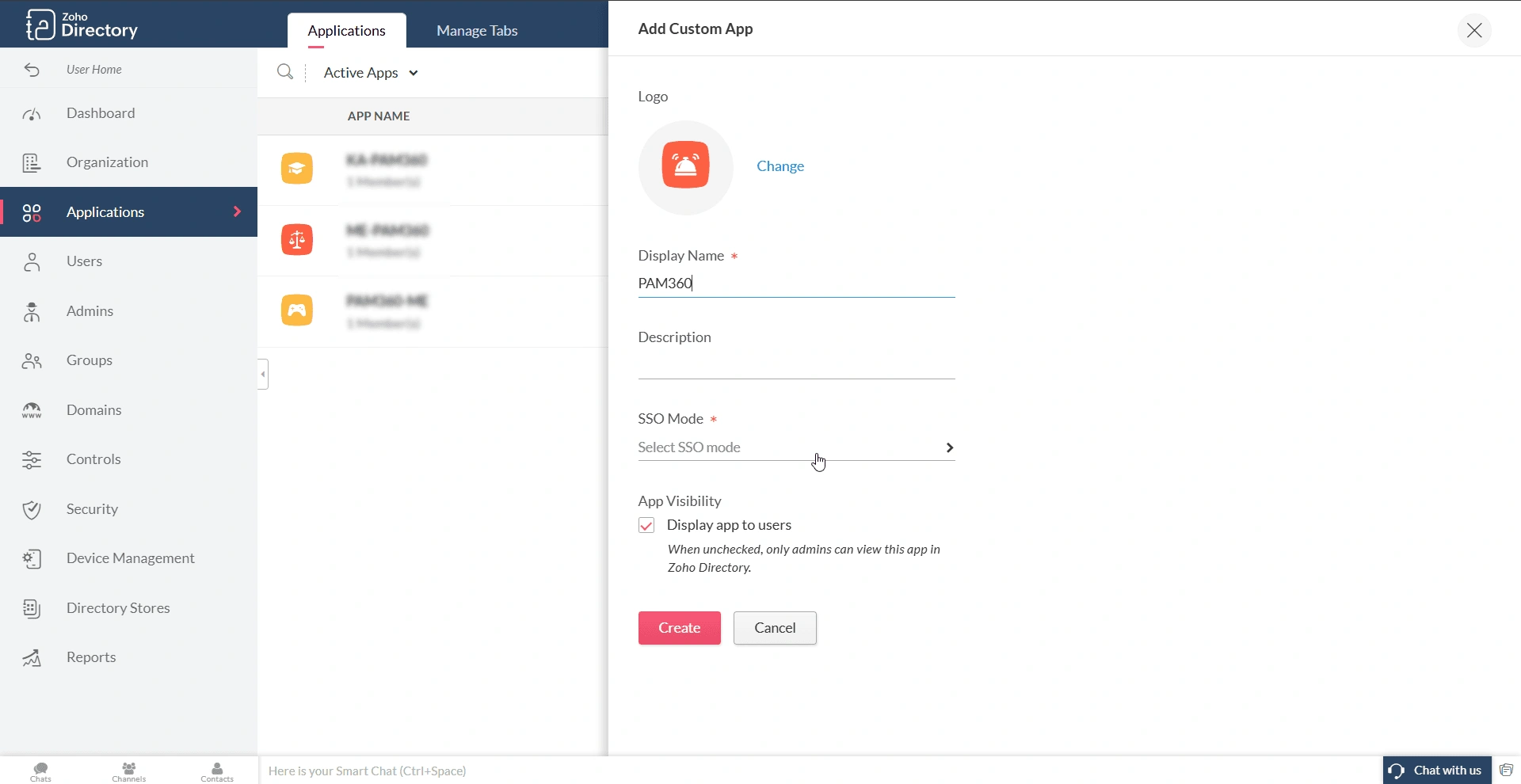
- On the page that appears, enter the following information:
- Sign-In Type - SAML is selected by default. If not, choose SAML from the displayed options.
- Sign-in URL - In this field, enter the PAM360 access URL for which you are configuring the Zoho Directory as an IdP.
- Sign-out URL - Enter the PAM360's Single Logout Service URL in this field.
- Assertion Consumer Service URL - Enter the PAM360's ACS URL in this field.
- Issuer - Enter the PAM360's Entity ID in this field.

- Credential Details - Under this section, you will find the following fields: Name ID format, Application Username, and Expression Value. Select the appropriate parameter that matches the PAM360 username.
Credential Details Username Scenarios in PAM360 Name ID format Application Username Expression Value PAM360 username matches the email address provided in the Zoho directory
Email Address
Primary Email Address
None
PAM360 username matches the Email ID prefix in the Zoho directory
Unspecified
Email ID Prefix
None
PAM360 username matches the conjunction of First Name and Last Name in Zoho Directory. For example, if the first name is John, the last name is Doe, and the PAM360 username is John Doe
Unspecified
Custom
String.append(user.firstName, String.append(" ", user.lastName))
PAM360 username matches the First Name in Zoho Directory
Unspecified
Custom
String.append(user.firstName,"")
PAM360 username matches the Last Name in Zoho Directory
Unspecified
Custom
String.append(user.lastName,"")
If you have users imported from the Active Directory in your environment, then their username will be in the format Domain/Email ID Prefix
Unspecified
Custom
String.append("Domain name/", String.substring(user.email, 0, String.indexOf(user.email, "@")))
- Click Done to complete the SAML SSO configuration and Create to create the custom SAML application.

Caution
- Enter your PAM360 web interface URL in the Sign-in URL field in the https://<hostname-of-PAM360-server or IP address>:<port> format for Non-MSP users or https://<hostname-of-PAM360-server or IP address>:<port>/?ORGN_NAME=orgname for MSP users and the Single Logout Service URL in the Sign-out URL field.
- The PAM360 username for Zoho Directory users should be the same as the format chosen in the Application Username and Expression Value fields. The selected format should be followed while creating new users or importing users into PAM360 after configuring Zoho Directory as an IdP.
- The SAML Single Logout feature is applicable from PAM360 build 5304 and above.
3. Assigning Zoho Directory Users to PAM360 Application
Follow these steps to assign Zoho directory users to the PAM360 application.
- Navigate to the Applications tab in the Zoho Directory portal and access the PAM360 application.
- In the PAM360 application window, click the Assign Users button on the top-left corner. Alternatively, you can click the Menu icon and then click the Assign Users button within the integration section.
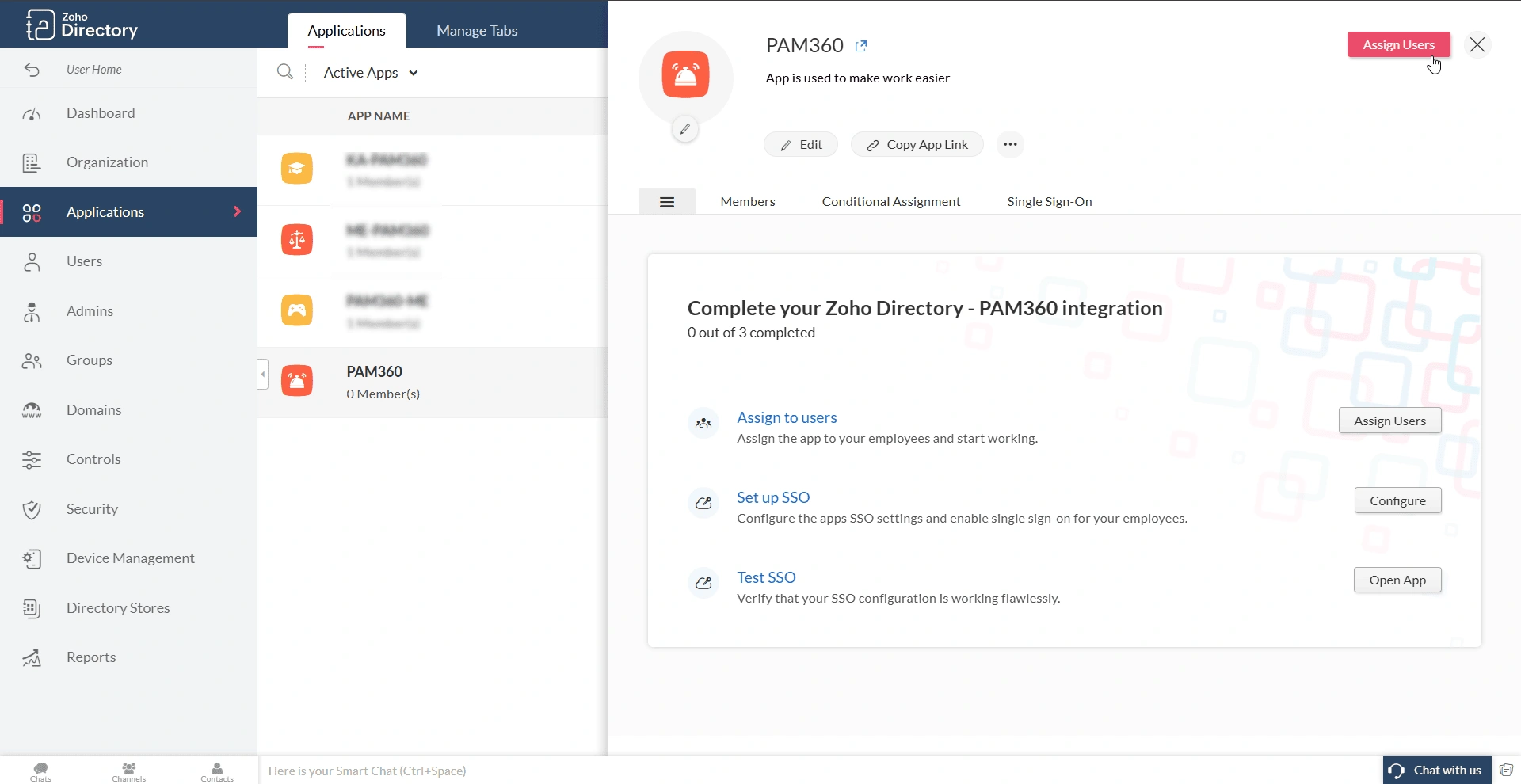
- On the Assign Users page, you can assign individual users to the application, user groups, or all the users within your directory to the application, based on your preference.

- Choose the preferred option, select the desired user/user group, and click the Assign button to assign the selected users to the PAM360 application.
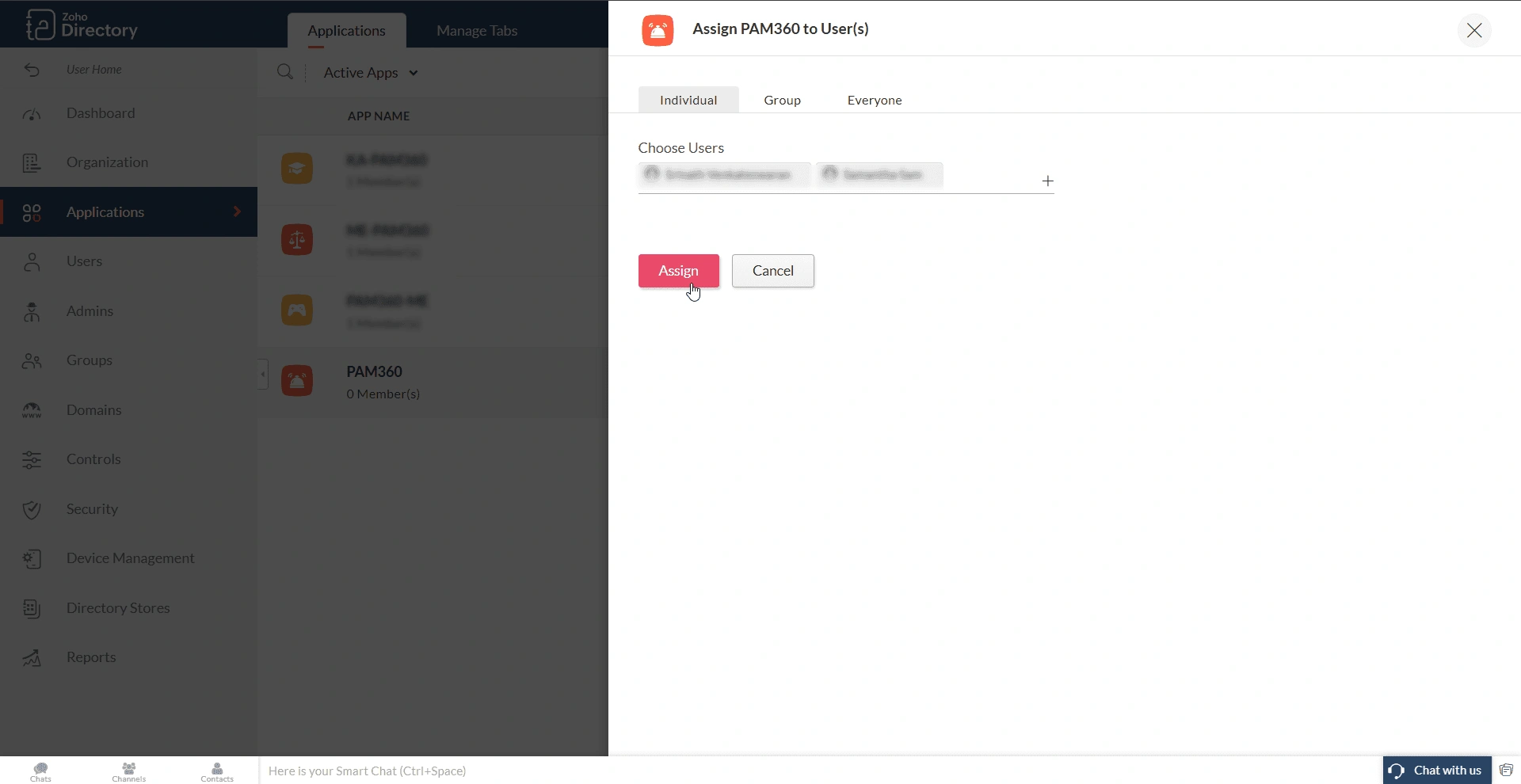
- Alternatively, you can assign users to the PAM360 application from the Users or Groups tab in the Zoho Directory portal.
4. Configuring SAML SSO
After configuring PAM360 as an SP in the Zoho Directory portal, you must configure Zoho Directory as an Identity Provider (IdP) in PAM360 to establish it as a trusted entity. Access the PAM360 browser window and proceed with the IdP configuration starting from Step 2 - Configure Identity Provider Details. Explore this link for the detailed IdP configuration steps. Based on the provided steps, configure Zoho Directory as an IdP and configure the SAML properties on the PAM360 interface.
Follow these steps to access the IdP details required to configure Zoho Directory as a trusted IdP on PAM360:
- Access the PAM360 application in the Zoho Directory portal.
- On the PAM360 application window, switch to the Single Sign-On tab and click the Download IDP Metadata button under the Identity Provider Details section.

- The IdP details will be downloaded as a metadata.xml file to your machine. You can upload this file in the PAM360 interface during the IdP configuration.
After successfully configuring SAML SSO, you can verify whether the single sign-on feature is working as intended in your environment. To validate if single sign-on works, click the Open App button beside the Test SSO button on the PAM360 integration window within the Zoho Directory portal.