
Testing Your extension
It is important to test your extension before publishing it to ensure quality. Testing gives you a chance to catch any issues and resolve them before they affect your customer base. You can test your extensions using the test environment launched from the native application's extension builder before publishing it to the marketplace.
The extension builder in ServiceDesk Plus Cloud allows you to test and verify all the components added to the extension using a test instance. For example, you can check if a business rule works as expected by actually triggering it as though you are the enduser.
To test an extension,
- Go to the Extension Builder.
- Open the extension that you want to test and click the Test your extension on the right-side panel.
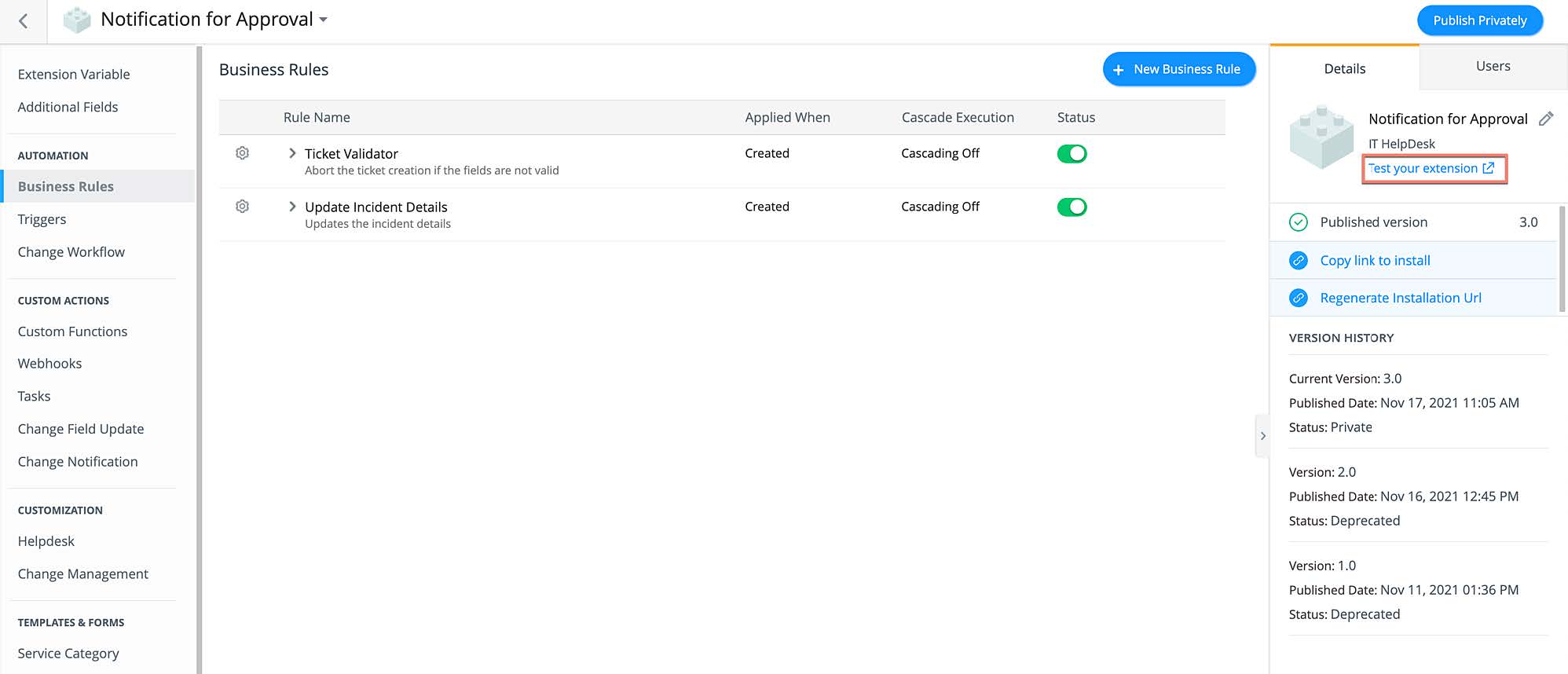
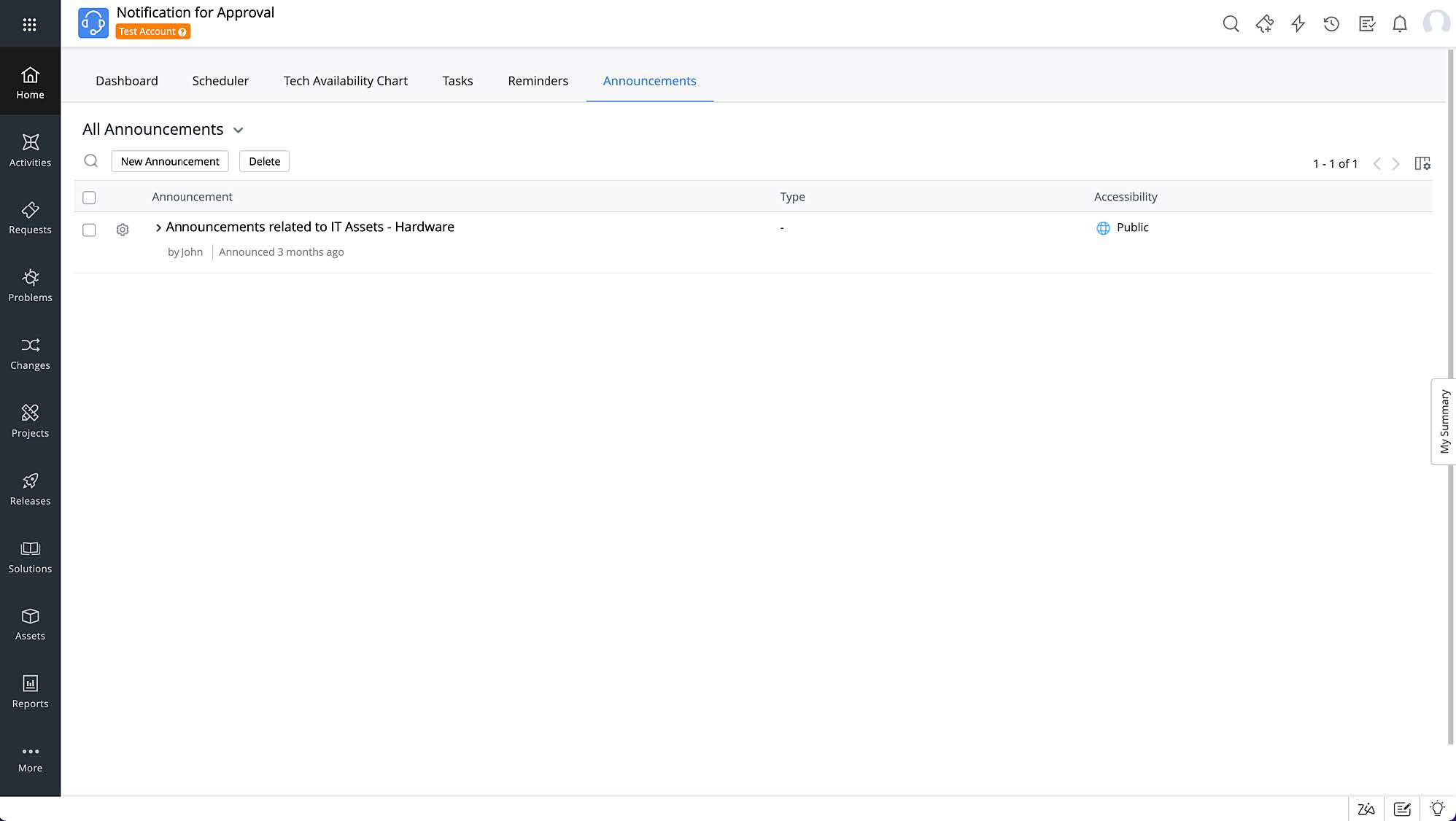
- A test environment (instance) will be opened in a new tab with the extension
installed on it.
Note:
- The test environment will not contain any data except for the components that you have developed in that extension.
- You can add any data and test the functionality of your extension in the test instance.
- Any changes made in the test environment will not affect your production environment.