|
|
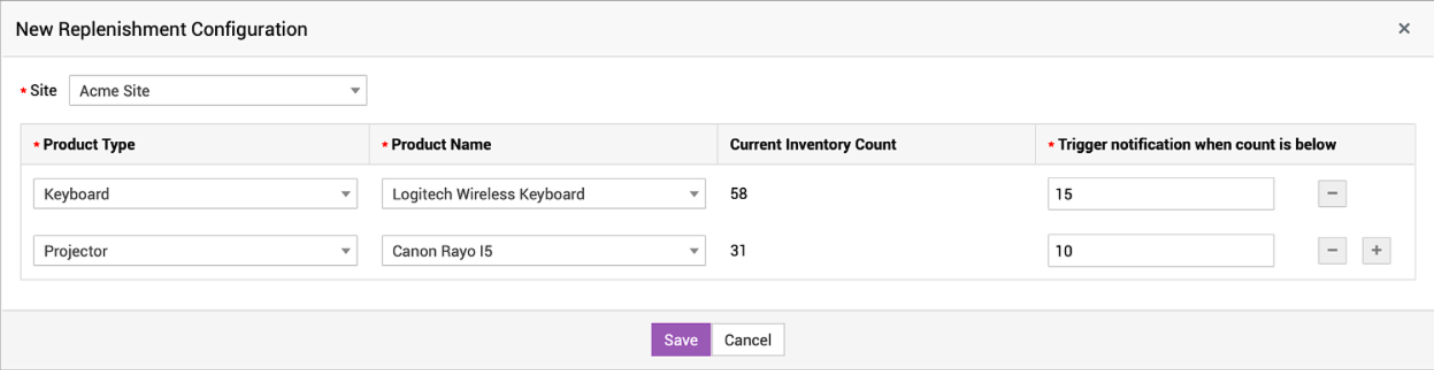
Asset Replenishment Asset Replenishment helps track asset inventory and notify technicians about asset inventory exhaustion. An email notification can be configured to alert technicians about asset inventory exhaustion. Asset replenishment settings or replenishment configuration focuses on maintaining the asset inventory count at threshold level. Role Required: SDAdmin To configure asset replenishment, go to Assets and select Asset Replenishment from the left pane. Add New Replenishment
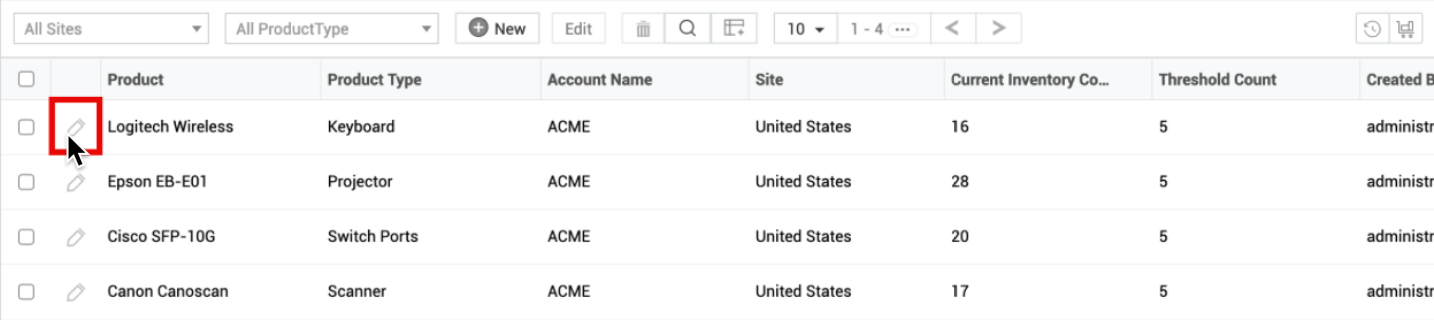
Edit Replenishment Configuration You can edit only the threshold limit of replenishment configuration in the Trigger notification when count is below field. Fields such as Site, Product Type, and Product Name are non-editable.
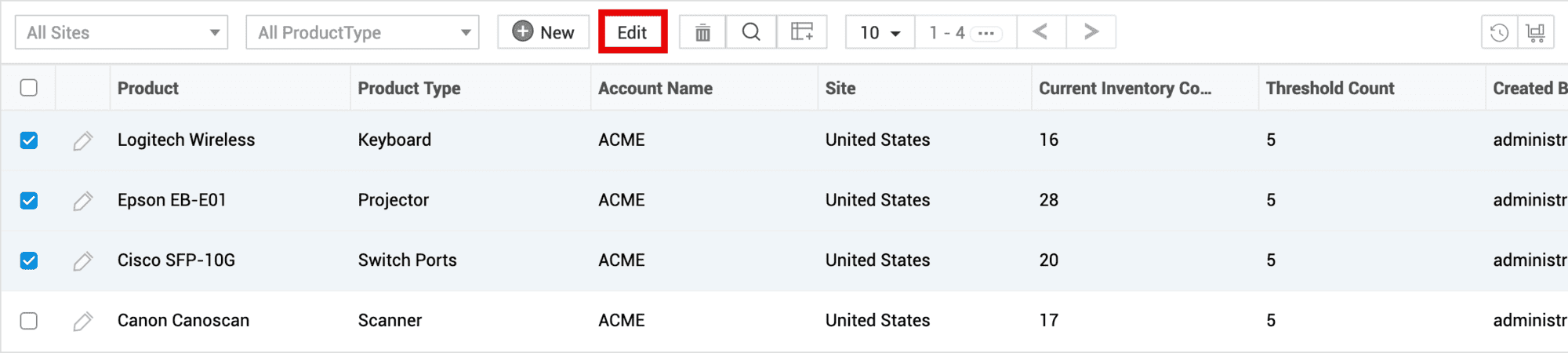
To bulk edit, select the checkboxes beside the replenishment configurations and click Edit on the toolbar.
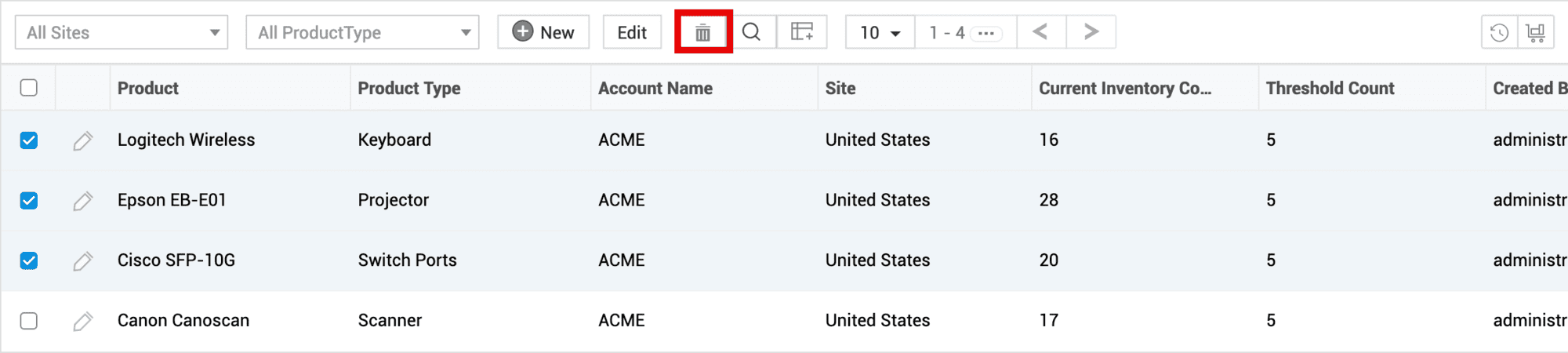
Delete Replenishment ConfigurationSelect the check boxes beside the replenishment configurations you want to delete and click
List View Actions
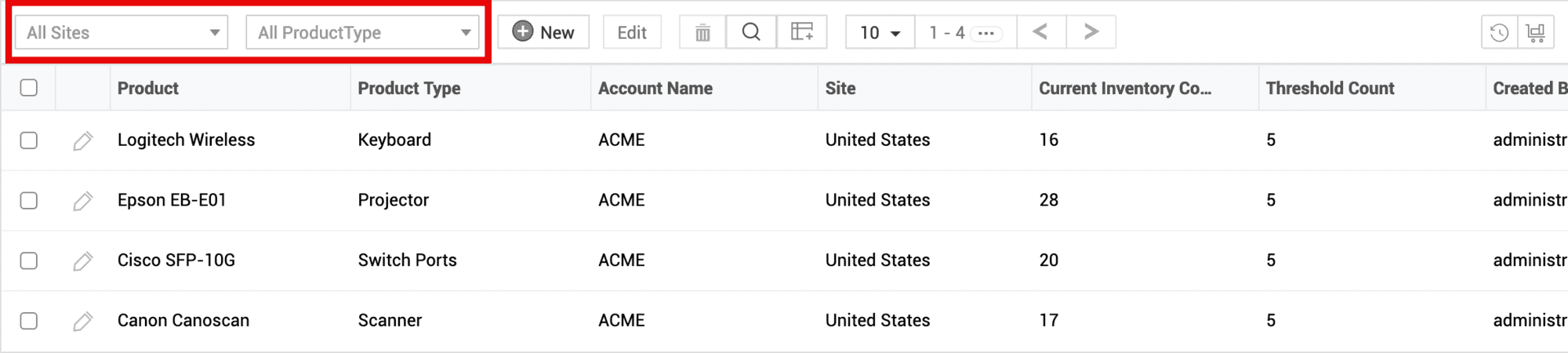
Filter Replenishment Configurations - You can filter the asset replenishment configurations displayed based on the Site and Product Type.
Search - Click Choose Columns - Click
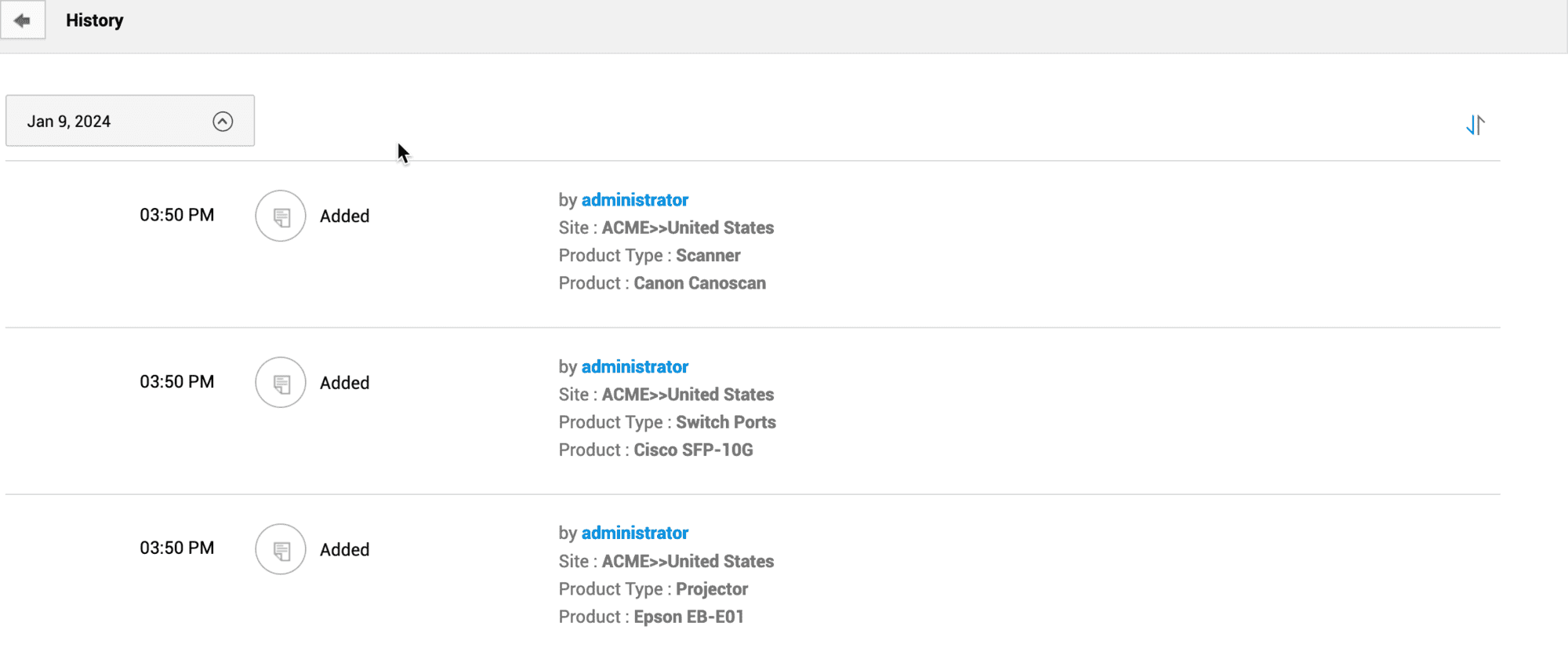
History History records the replenishment configuration actions performed by technicians from all sites. To view history, click the Click
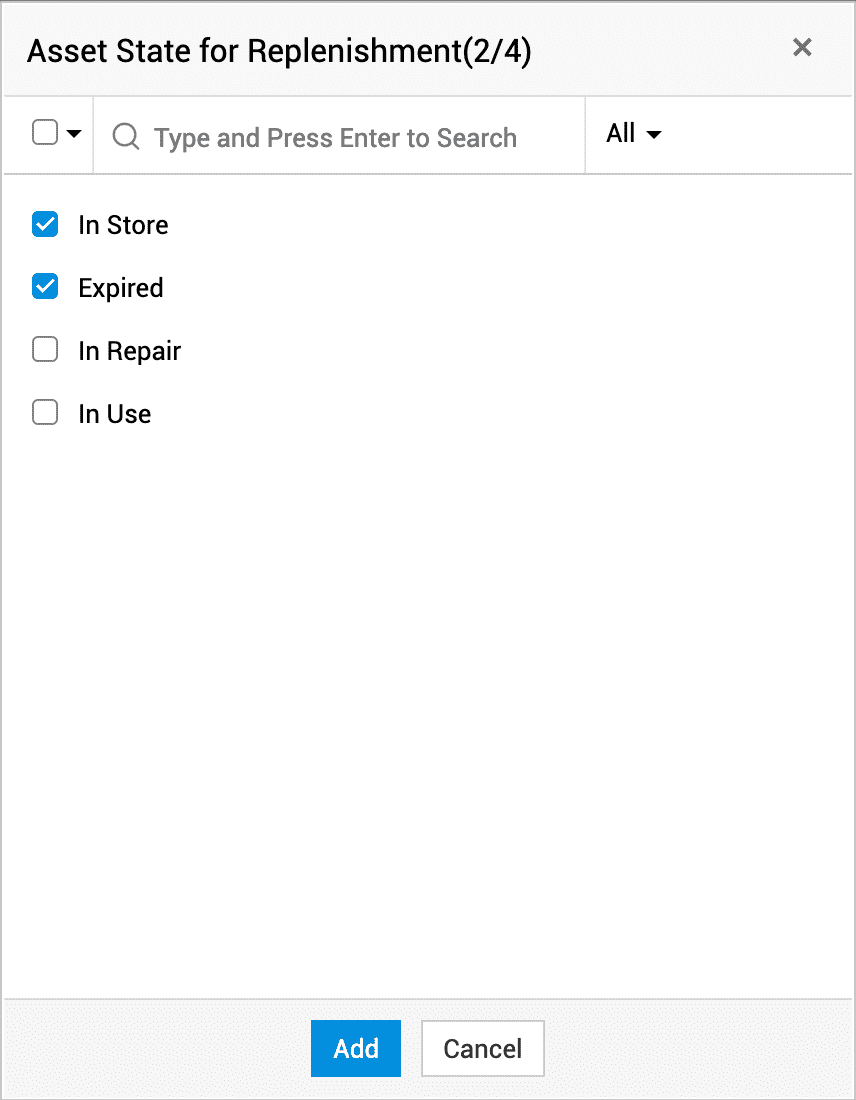
Configure Asset State for Replenishment
The current inventory count is fetched based on the selected asset state.
Only SDAdmins can change the status of assets. Status changes can be tracked under Community > System Log Viewer.
Configure Replenishment NotificationReplenishment alert notifications are sent to specific technicians if the asset count in store goes below the configured threshold.
To configure replenishment notifications, Go to Admin > Automation > Notification Rules. Switch to the Asset tab and enable Notify technicians when the inventory count goes below the configured threshold. Notifications are sent to the technicians based on their site permissions. Technicians will receive notifications regarding the assets only from the sites they are associated with.
|