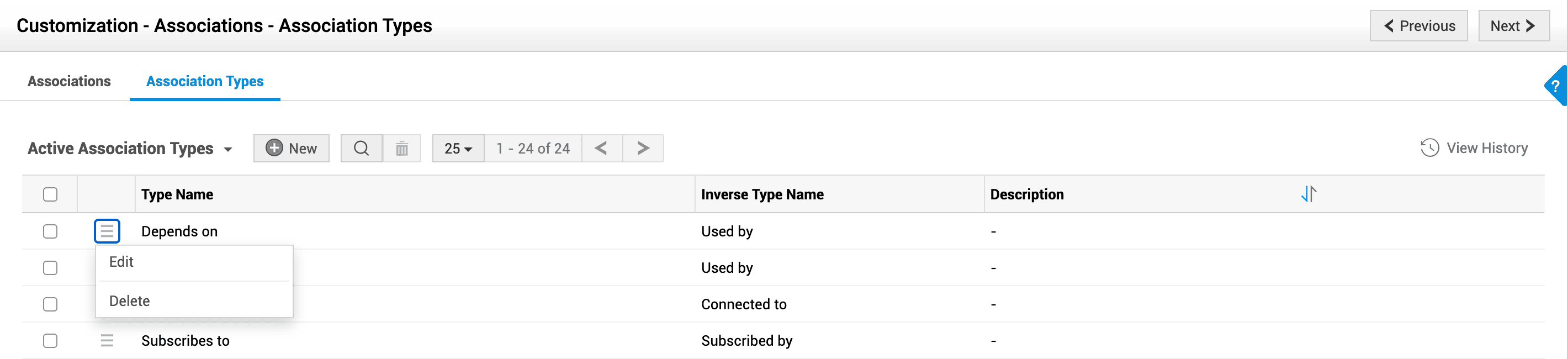
Association Types
Association type denotes the nature of association between records in the source and associated module. The association type is expressed twice:
- Association Type: The nature of the association like impact, enables, and submits.
- Inverse Association Type: The inverse of the association type like impacted by, Is enabled by, and submitted by.
Create Association Type
- Go to Admin > Customization > Associations.
- Select the Association Types tab.
- Click New.
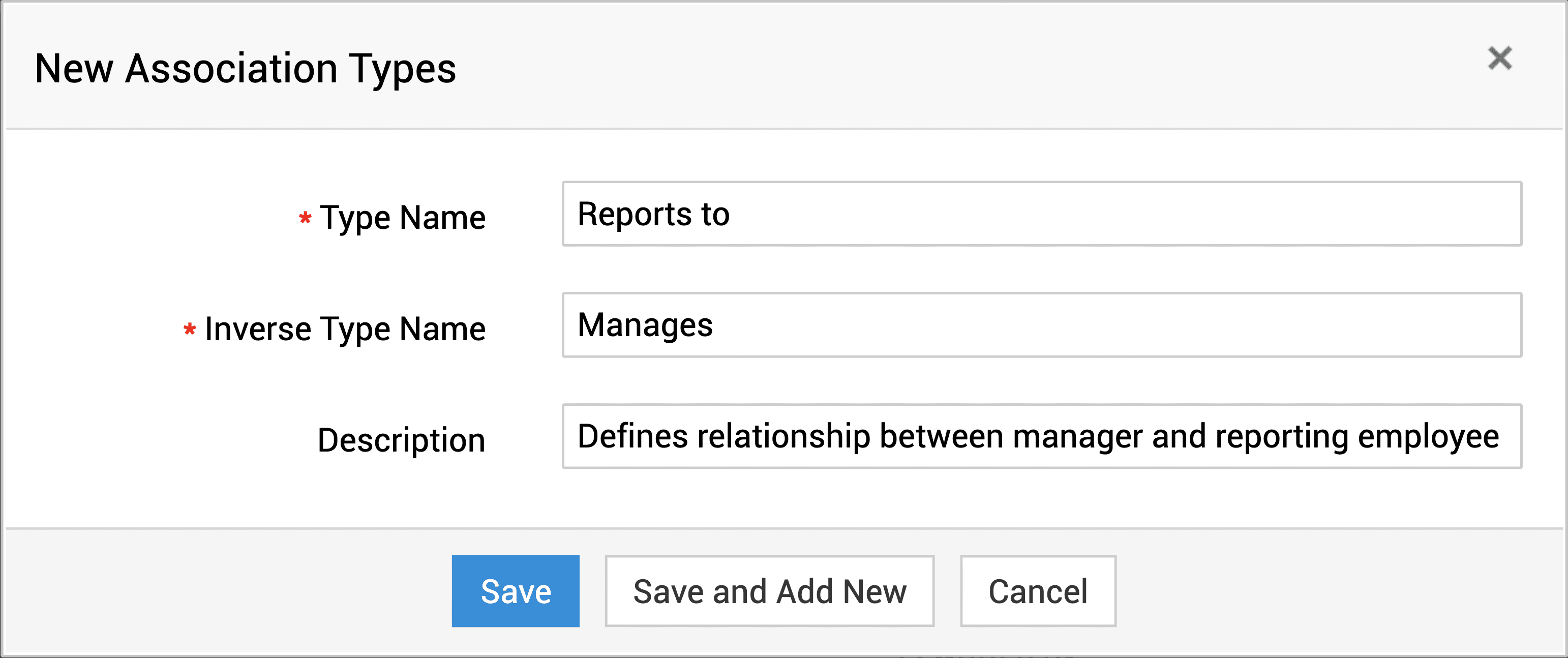
- Enter the association type name and the inverse type name.
- Provide a brief description of the association types and the context in which they can be used.
- Click Save or Save and Add New.
Edit/Delete Association Types
On the list view, click the  to edit or delete an association type.
You can also bulk-delete association types by selecting them and clicking  .
.