

Downtime Type
Downtime refers to a period of outage or unavailability of a system or service during a planned release. In ServiceDesk Plus MSP, you can add the types of downtimes expected while planning and deploying releases. This helps to categorize the downtimes specified in release requests.
Role Required: SDAdmin
The following table displays the built-in downtime types:
|
Downtime Type |
Description |
|
Degraded performance |
Services performance will be degraded |
|
Full shutdown |
Full shutdown of services |
|
Minor impact |
Minor impact on services |
|
Partial availability |
Temporary outage of services |
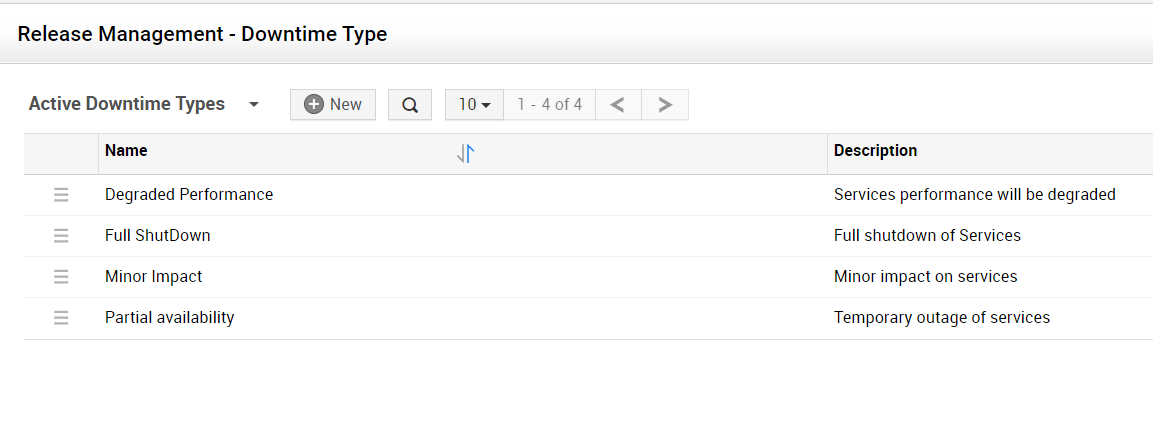
Add New Downtime Type
-
Go to Admin > Release Management > Downtime Type.
-
Click New.
-
Provide a Name and Description for the new downtime type.
-
Click Save or Save and Add New.
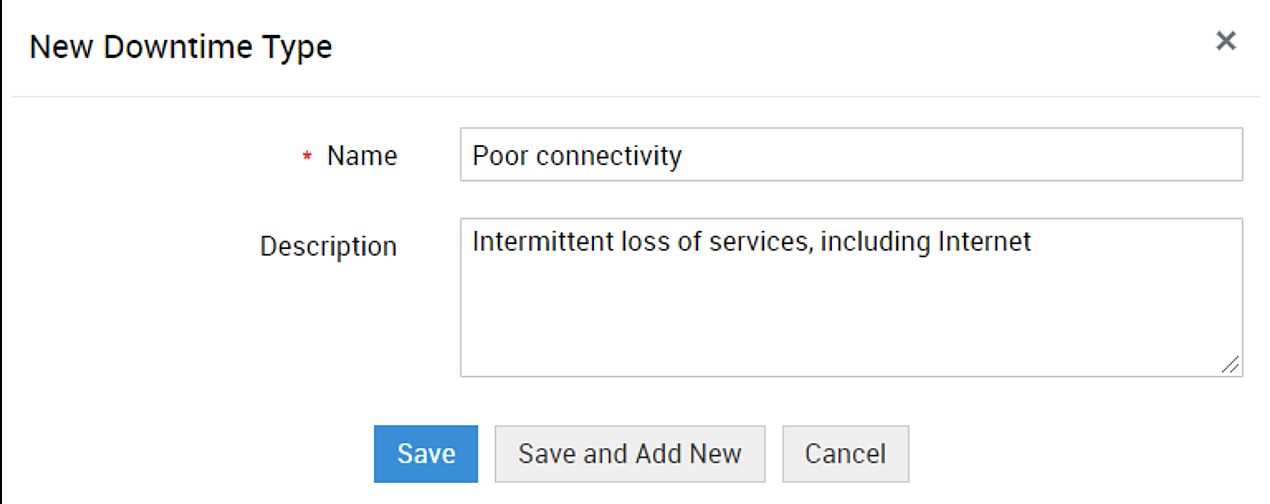
You can configure a maximum of 50 downtime types in ServiceDesk Plus MSP.
List View Actions
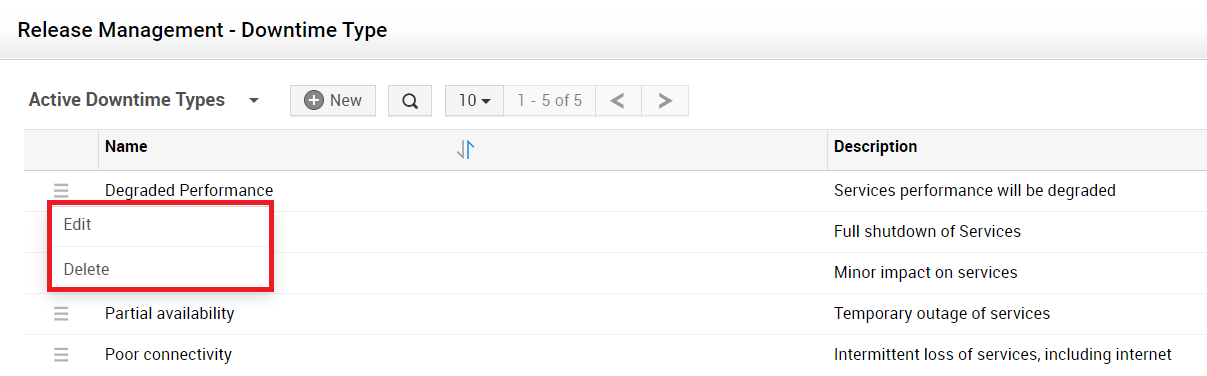
Edit/Delete Downtime Types - Click the  icon beside the downtime type to edit or delete the downtime type.
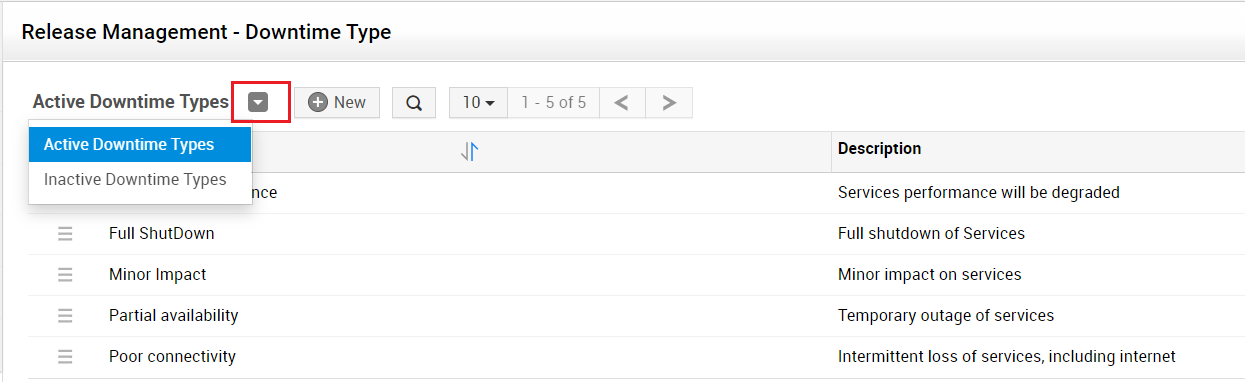
Filter downtime types - By default, the active downtime types are displayed on the downtime home page. Click the Downtime Types drop-down to switch between the Active and Inactive Downtime Type.
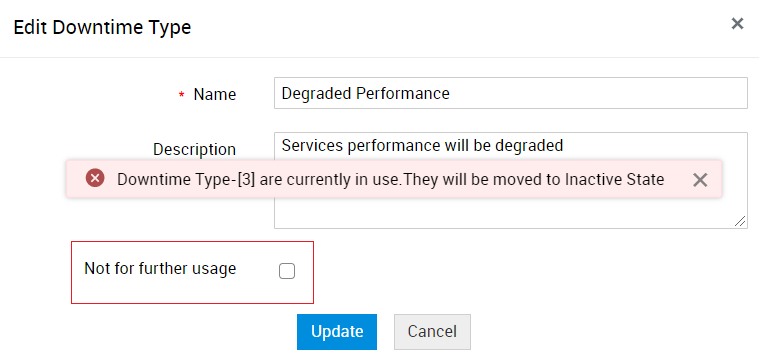
Reactivate inactive downtime types - Edit an inactive downtime type and uncheck the Not for further usage box. Click Update to reactivate the downtime type.
-
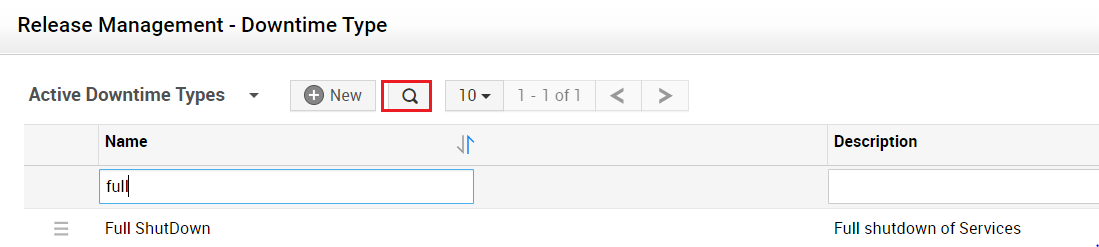
Search through downtime types - Click the
 icon to search through the downtime types from the list view.
-
Limit the number of records displayed - Choose the number of downtime types to be displayed in the list view.
-
Sort downtime types - Click the
 icon to sort the downtime types in alphabetical order.