Customize your Dash board and Configure User based Views
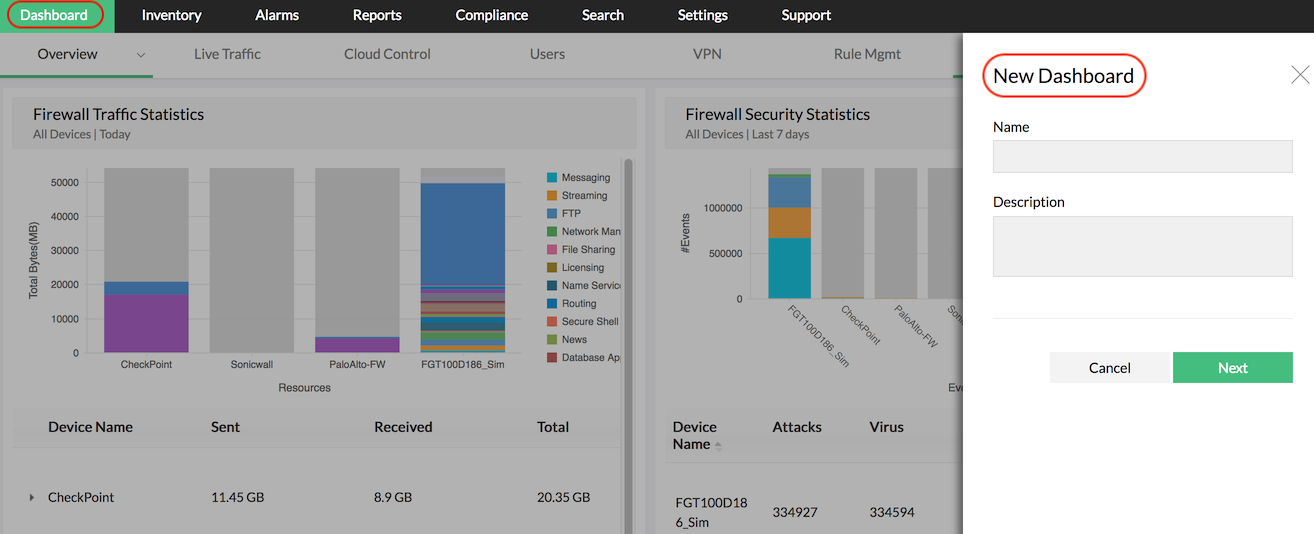
Firewall Analyzer lets network administrators to customize the client dash board. This will help to de-clutter your dash board. You will be able to view the selected reports of your choice and critical to your enterprise.
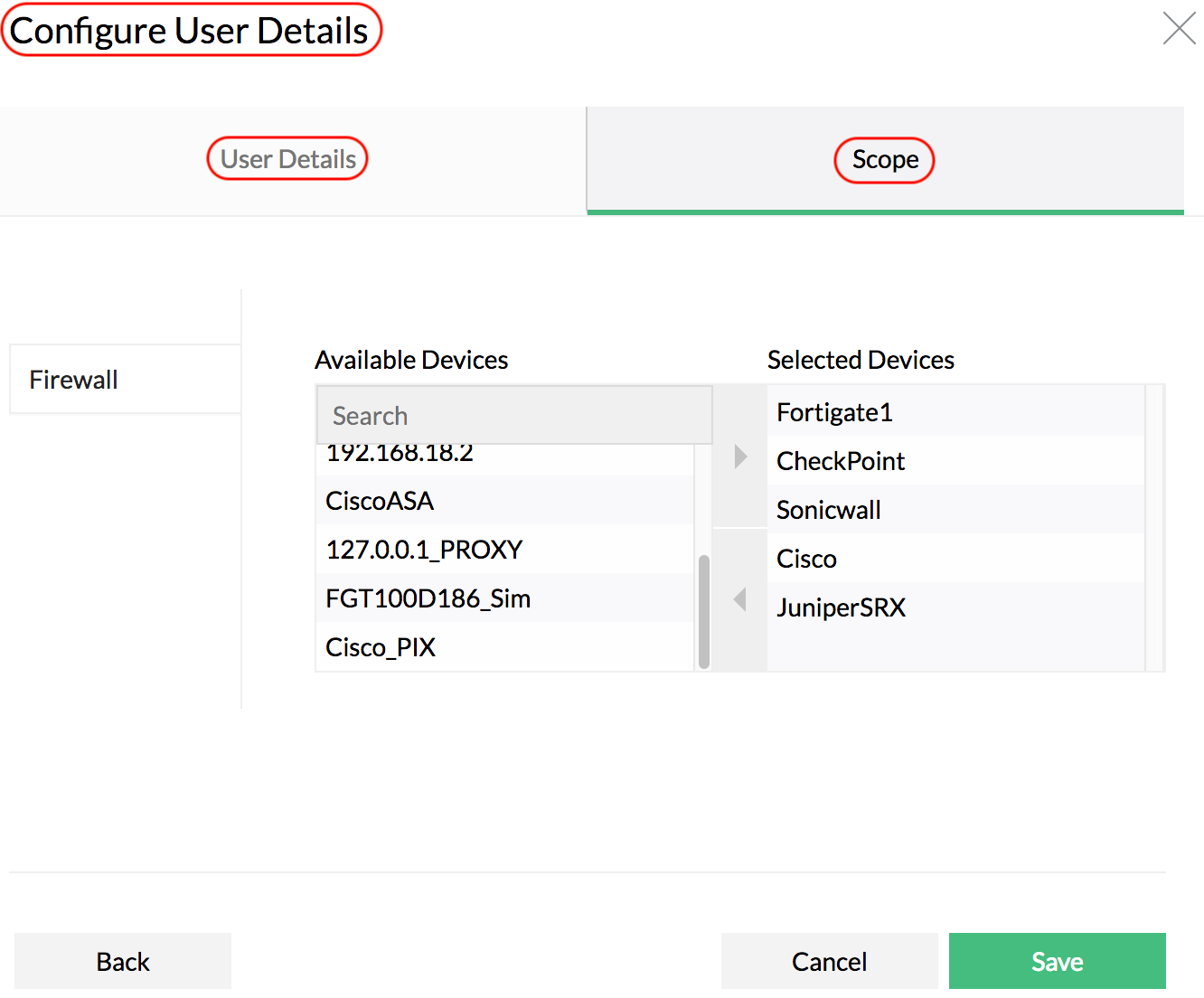
Firewall Analyzer provides User based Views feature. This feature enables you group the users according to their roles and assign read only, quasi-interactive and fully interactive client views to group of users.
Customize your Dashboard
Firewall Analyzer lets you to remove the clutter in the dashboard and remove not so important reports by customizing the dash board. With this, the administrator / manager can configure the graphs and reports displayed in the dash board, which are critical to his enterprise.
Configure User based Views
Firewall Analyzer implements different user login levels for accessing the Firewall Analyzer server. The Firewall Analyzer provide three different client views based on the user levels (groups). The three different levels are Administrator, Operator, and Guest.
Thank you for your feedback!